Deleting an Account
To delete an account, click the Delete button in the "Actions" column of the account you wish to remove on the main Chart of Accounts page. This will open a confirmation modal to prevent accidental deletions.
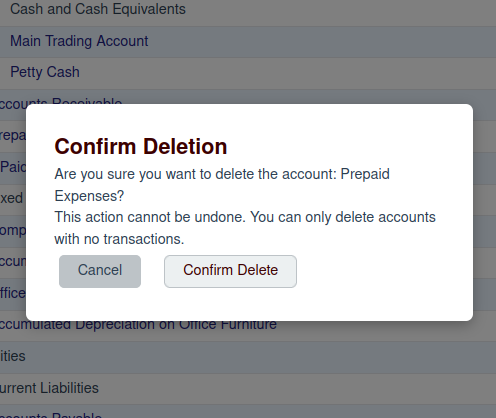
Confirmation
Before you can delete an account, you must confirm your intention by clicking the Confirm Delete button.
You can only delete accounts that have no transactions. If an account has any associated financial
history, you will not be able to delete it. This is a critical safety feature to ensure the integrity of your financial
records.
If you are sure you want to proceed, and the account has no transactions, clicking the confirmation button will permanently remove the account from your Chart of Accounts.