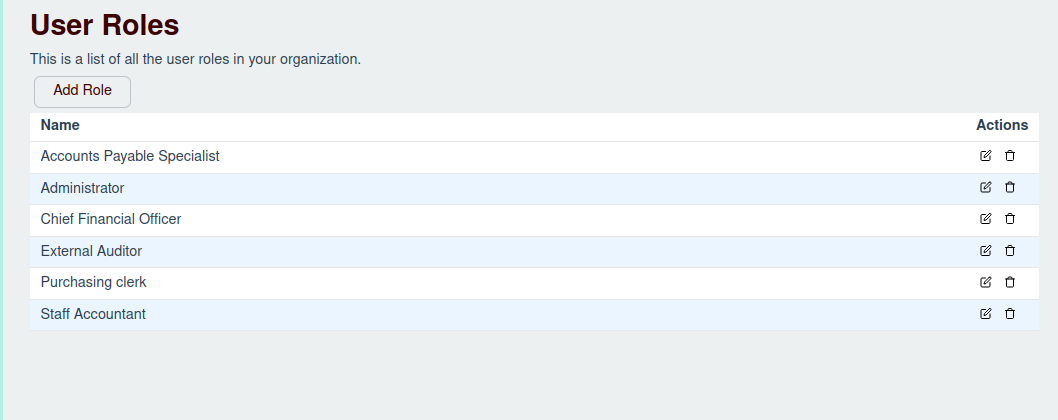
The role management screen allows you to define different roles for your users, each with a specific set of permissions.
Adding a Role
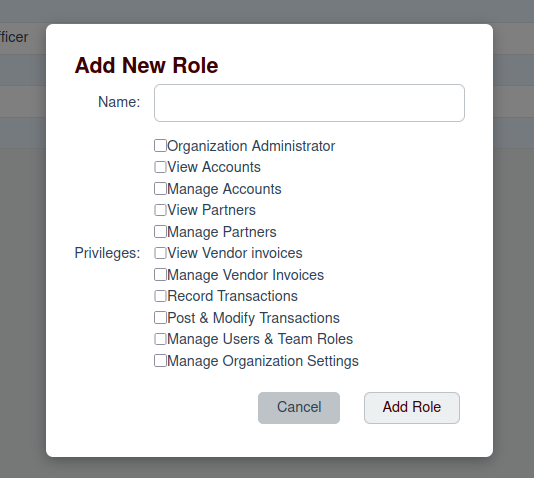
To add a new role, click the "Add Role" button. This will open a modal where you can enter the role's name and select the permissions it should have.
Editing a Role
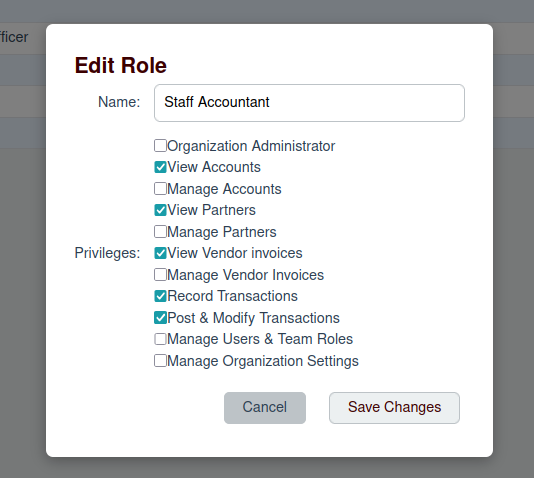
To edit an existing role, click the edit icon next to the role in the list. This will open a modal where you can update the role's name and permissions.
Deleting a Role
To delete a role, click the delete icon next to the role in the list. You will be asked to confirm the deletion.