Editing an Account
To edit an existing account, click the Edit button in the "Actions" column of the account you wish to change on the main Chart of Accounts page. This will open the "Edit Account" modal dialog.
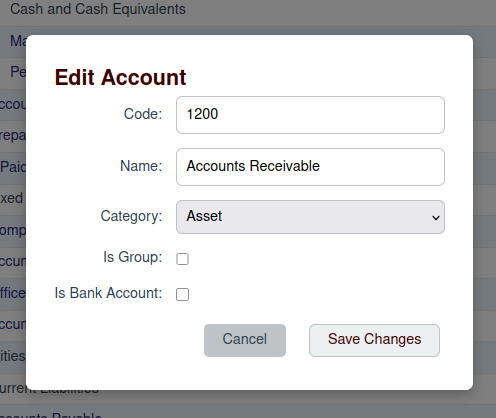
Modifying Account Details
The "Edit Account" modal contains the same fields as the "Add New Account" modal, but they will be pre-filled with the account's current information. You can modify any of the following:
- Code
- Name
- Category
- Parent Account
- Is Group
- Is Bank Account
After making your desired changes, click the Save Changes button to update the account.