Editing a Transaction
You can edit an existing transaction by clicking the Edit button (the pencil icon) on the Account Ledger page. This will open the transaction in the "Edit Journal Transaction" screen.
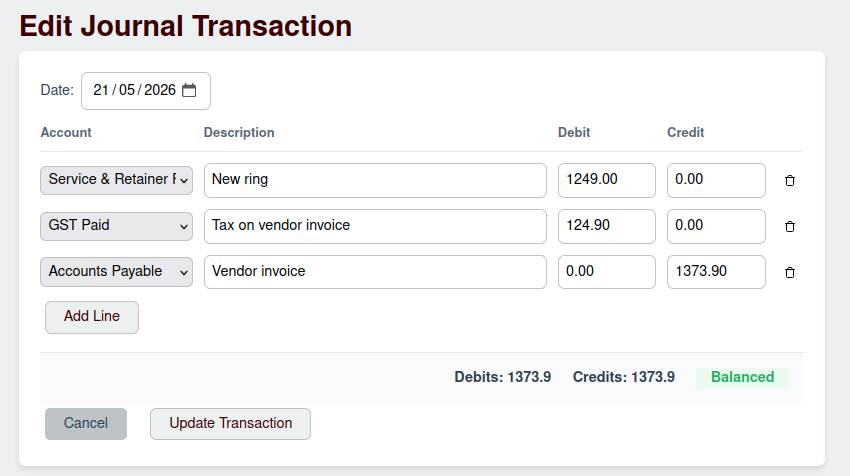
You can only edit a transaction if the following conditions are met:
- The transaction occurred within the current, open accounting period.
- Strict Audit Mode is turned off in the organization's settings.
If these conditions are not met, the "Edit" button will be disabled.
Modifying the Transaction
The editing screen is identical to the "New Transaction" screen, but it is pre-filled with the existing transaction's data. You can modify any of the fields, including the date, descriptions, accounts, and amounts.
As with a new transaction, the total debits must equal the total credits for the transaction to be Balanced.
Once you have made your changes, click the Update Transaction button to save them.